

Logging into a Realm
Scaling game servers with centralized login and realm discovery
Before a player can take a step in the world, the client has to find the right server, authenticate the account, and establish a session.
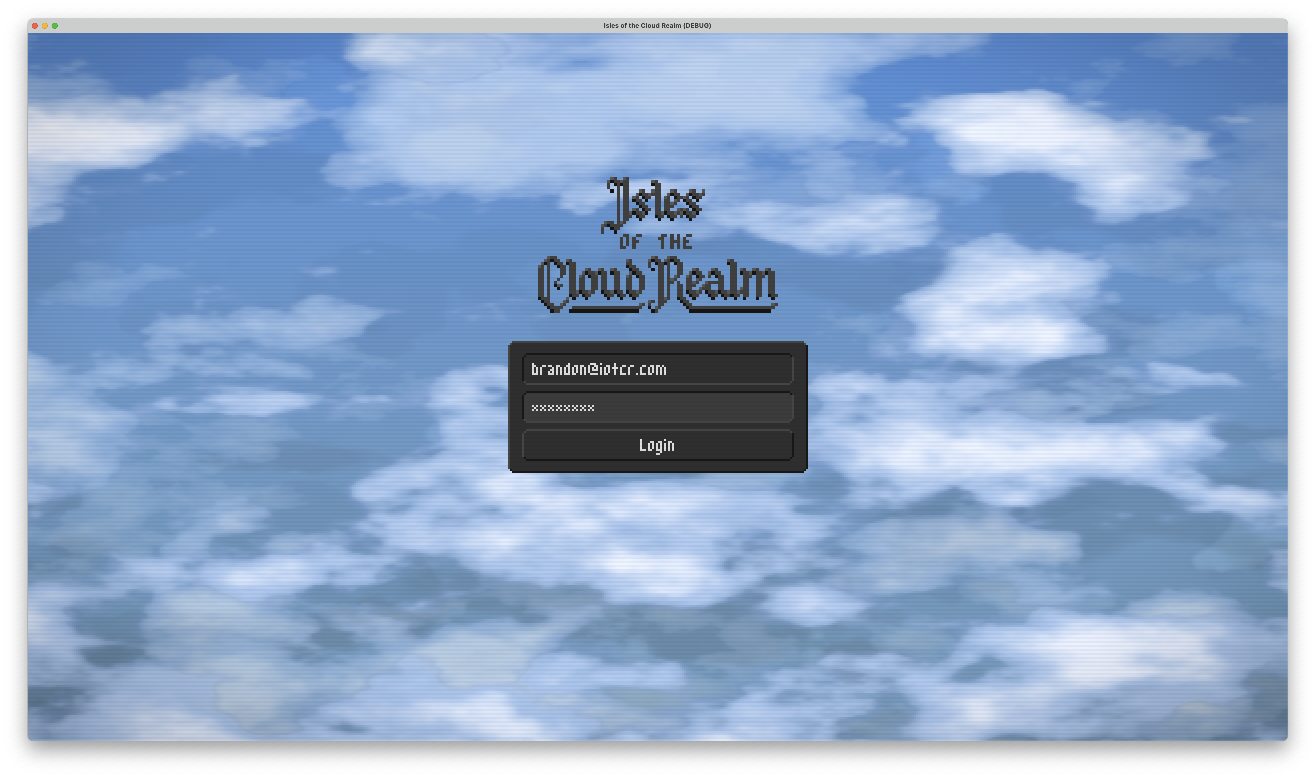
The client talks to the Auth & Discovery Server first. This service handles accounts, checks passwords, and tracks which game servers are online.
These exchanges happen over HTTPS (opens in new tab). HTTP's request-response model fits well here: ask a question, get an answer, close the connection. That's all you need for isolated checks like "is this password correct?" or "which characters belong to this account?"
Once logged in, the client discovers which realms are online and requests its characters. Because character data lives on each game server rather than in the auth database, the client queries characters under a specific realm path (/realm/{id}/characters). The Auth & Discovery Server proxies that request directly to that realm's game server.
Both tokens in this flow are JWTs, but their audience claims separate what each one is good for.
Logging in returns an account session token. Its audience is accounts.iotcr.com. It proves account identity and authorizes requests to the Auth & Discovery Server, such as discovering realms and querying characters.
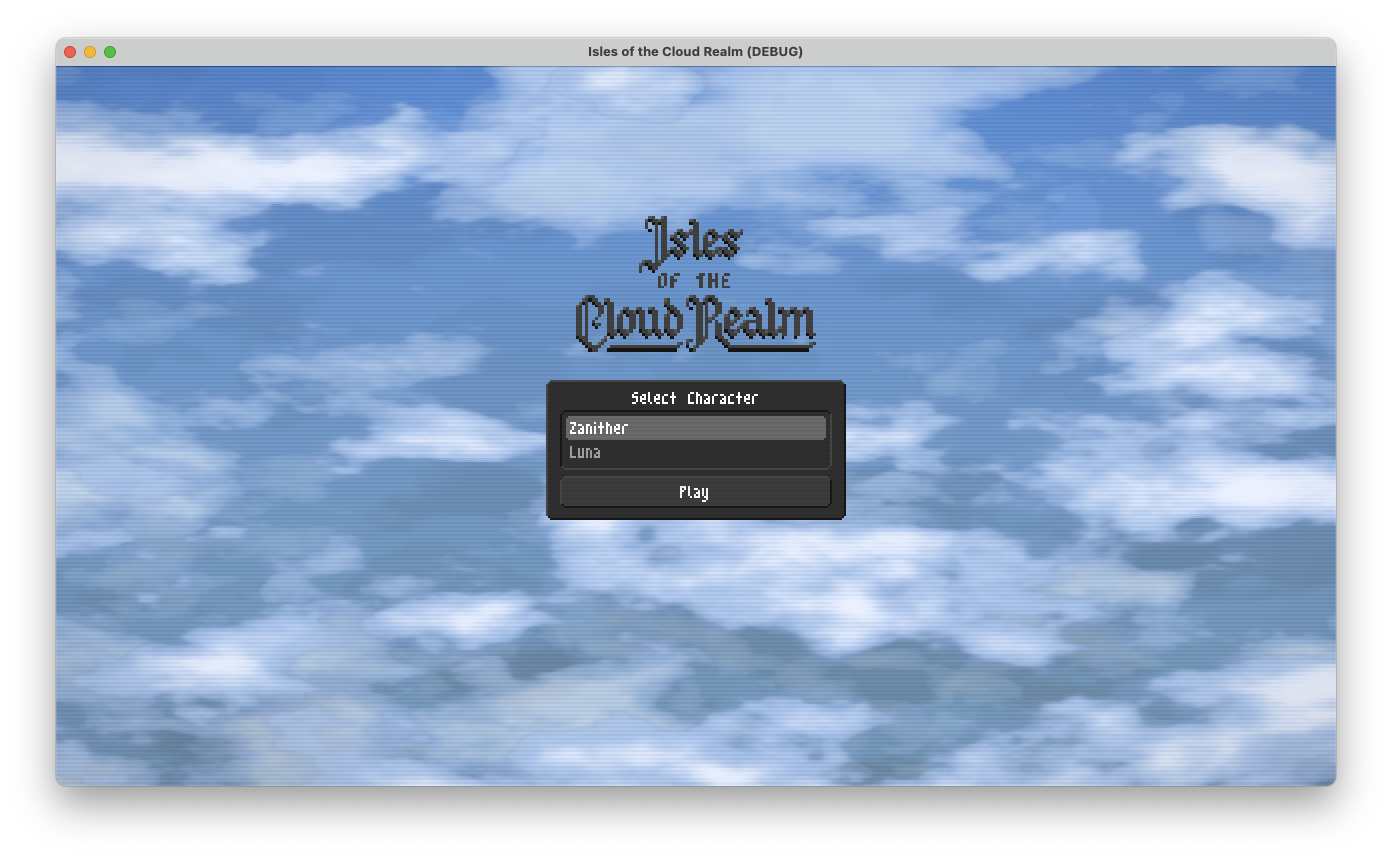
Once the player picks a character, the auth server verifies ownership with the game server and issues a realm session token. This token targets that specific realm (eldenmere.servers.iotcr.com), carries the character_id claim, and authorizes the client to open a WebSocket connection on that game server.
The main reason for this split is scale: it lets me spin up more game servers as player demand grows. It's the realm model from MMOs like World of Warcraft (opens in new tab), where characters live on specific servers.
A game the size of World of Warcraft couldn't run on a single machine. Vertical scaling (opens in new tab) only goes so far: eventually you're paying for the fastest hardware available, and one box still can't simulate a world for hundreds of thousands of concurrent players. Splitting the world across independent servers lets you scale out by adding machines.
The Auth & Discovery Server acts as the front door for all of those game servers. Players have a single account across the game instead of separate logins for each realm. Because that service is stateless and only handles occasional HTTP requests, it takes very little CPU and memory even with lots of players. That leaves each game server free to spend its resources on running live entities in the world.
The credential handed to the client is a JSON Web Token (JWT) (opens in new tab): three Base64URL segments joined by dots (header, payload, signature).
eyJhbGciOiJSUzI1NiIsInR5cCI6IkpXVCIsImtpZCI6IjAxYTA3N2NlLWJkN2QtNzgzNS1iMTJiLTU1NjYwYmE3ZDAxNyJ9.eyJqdGkiOiIwMWEwNzgwMy00MTk3LTc4ZDItYmQ3Mi1lYjNkZmQwZGFkODEiLCJzdWIiOiIwMTliODQxYS0yOGU0LTdkNTItOGQ3Ni1lMTc5ZmYzOWE4YzEiLCJjaGFyYWN0ZXJfaWQiOiIwMWEwNzdiZi1lNmRiLTcxZTgtODA1NC1hMzg2ZDk1OGUxYmEiLCJhdWQiOiJlbGRlbm1lcmUuc2VydmVycy5pb3Rjci5jb20iLCJpYXQiOjE3ODgzNTA0MDAsImV4cCI6MTc4ODM1MTMwMH0.DpUtUMLLfnwHYcSnNlDausTa54uGg2clzxAInkAqkJpbcFXTBmhNBYTdjpRszCOn24uCZCkod6o-PR6igSZxI6IOxzB6ul7W8NKC_ewrPcBRwhmnuDgeYLypJCOtXym77m0zs5FI_e_hdRS6MkqZKiO_v-lLATRvu9MOMNzFQS8fgWBdcwxyYUAxnEVzQsAOWVseTV7iY_dQaTDCg9H-OCUu-82pJOcf-Our0uVVl0-va2spOgqyr9HywUV15YfF_-OlWSTLYYW6cJGdCRzm1o6qBkT4ywJrnI6LXPGALz4fWirweIQ8NeIozRyb1kkRKH1L6O6kUhkO14d5Se0QbADecoded, the first segment (in red) is the header:
{
  "alg": "RS256",
  "typ": "JWT",
  "kid": "01a077ce-bd7d-7835-b12b-55660ba7d017"
}
The kid (key ID) says which key signed the token. The Auth & Discovery Server rotates signing keys, so the game server uses this ID to pick the matching public key from its cache.
The second segment (in purple) is the payload: who the player is, which character they selected, and where to connect.
{
  "jti": "01a07803-4197-78d2-bd72-eb3dfd0dad81",
  "sub": "019b841a-28e4-7d52-8d76-e179ff39a8c1",
  "character_id": "01a077bf-e6db-71e8-8054-a386d958e1ba",
  "aud": "eldenmere.servers.iotcr.com",
  "iat": 1788350400,
  "exp": 1788351300
}
The jti (JWT ID) is a unique UUID that makes each session token single-use on the game server. When the server accepts a WebSocket connection, it records that jti in memory as consumed. Any later attempt to connect with the same token is rejected.
The aud (audience) claim holds the domain of the target realm, following the *.servers.iotcr.com convention. Putting the realm URL here does two things: it tells the client where to open its WebSocket without another lookup, and it stops the token from working on a different realm. A token issued for Eldenmere fails the audience check anywhere else.
The third segment (in aqua) is the signature over the header and payload, produced with the private key. The Auth & Discovery Server publishes the matching public key:
-----BEGIN PUBLIC KEY-----
MIIBIjANBgkqhkiG9w0BAQEFAAOCAQ8AMIIBCgKCAQEAqjBUW3RUfNqmMo4JVqkq
V7mLqtvttdfTvbsT50W6EBkAKtOx2R4DSyRv+FUPIjfkziWrSxll42Prw1gpbrfU
SAICNw3h7mC4gh4GltVc2anHUiaJrJE+kTxFbD210fmhpNhCjGbuEjDI14wm/v8b
LoBJD+NlfjG8eIwVuF2UZUSDRimd6L95J9Rnv4e+5bOdiWOSGT2Go1SluC1/3IP1
/4NafHofBsMYNZf+9zjJcygfq8kewlNU75J3/ETPUHWdovXoilWYHQwaptanC1z/
9qAMo6d3TEBoEGpBW72Og+0Xrkl7N0AGHnzYg3z133p8CWsgoXHbyQwZJir9/aTl
wQIDAQAB
-----END PUBLIC KEY-----
You can check it yourself: paste the raw token above into jwt.io (opens in new tab), put this public key in the signature verification box, and the site will confirm it.
Because the token is signed, the game server doesn't need to ask anyone else whether it's valid. This signed JWT is the player's session.
In a traditional web architecture, a session ID points to a database or cache entry, and every request looks that session up. Here the claims live inside the token.
Note
Self-contained tokens have one classic tradeoff: revocation. With a traditional session, banning an account or logging out everywhere is as simple as deleting a database row. With signed tokens, the game server trusts the signature until the token expires. To keep that window narrow, tokens last only 15 minutes. If an account is banned, the auth server coordinates that with active game servers, which drop the player's WebSocket immediately and reject any future tokens for that account.
To verify signatures, the game server only needs the Auth & Discovery Server's public keys. The auth server publishes them at a standard JSON Web Key Set (JWKS) (opens in new tab) endpoint (/.well-known/jwks.json). The game server fetches these keys on startup, caches them in memory, and refreshes them periodically.
That cache keeps handoffs cheap. When the client opens a WebSocket connection to the game server, it passes the JWT in the headers. Godot's WebSocketPeer supports custom handshake headers, so sending Authorization: Bearer <token> is easy.
The game server validates the signature locally against its cached public key. If the signature matches, the audience matches, the token has not expired, and the jti has not been seen before, the server marks that jti as consumed in memory, trusts the claims, and attaches the player to their character right away. Because tokens expire after 15 minutes, the server only needs to keep consumed IDs in memory for 15 minutes before dropping them. It never needs to query a database or coordinate with external caches.
Each token opens exactly one connection. Once the WebSocket connects, that initial token has been consumed. If the connection drops a second later, the client cannot reuse it to get back in. To prepare for disconnects, the client requests a fresh realm session token from the Auth & Discovery Server immediately after the WebSocket opens, and holds it in reserve. If Wi-Fi blips or the socket closes, the client presents this standby token to reconnect without interrupting the player. While gameplay continues over the open socket, the client refreshes that standby token in the background before its 15-minute expiration so it never lapses.
Come say hi
Come chat with me. I'll share extra learnings in the Discord.
- The Discord just opened, so it's quiet and I'm excited to bounce ideas around with early members.
- You'll be the first to know about an early alpha.
- Technical folks are welcome, and so is anyone interested in playing the game.